
Converting My AutoCAD Drawings Into A BIM Model
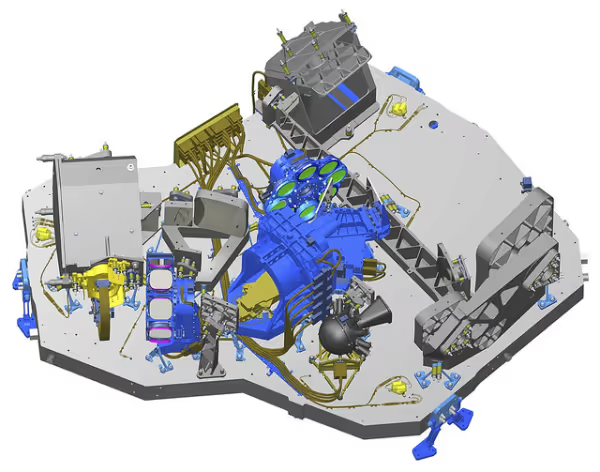


If you’re an engineer you may have found yourself wondering: “What is the easiest way to convert my AutoCAD drawing into a BIM model? Well thankfully, this process is actually pretty simple provided that you have purchased the correct software. 3d_cad_drawing-resized-600Autodesk BIM 360 was developed by the company Autodesk, who designed the world’s most popular 3D modeling software AutoCAD. Autodesk BIM 360 was designed as a successor to AutoCAD, and as such Autodesk has done everything in their power to make it as easy as possible to transfer your designs between the two programs.
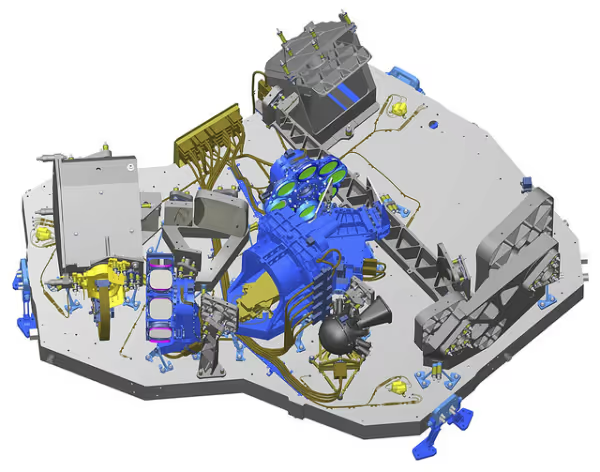
AutoCAD Drawing Into BIM model Conversion | CAD / CAM Services INC.
To convert your files, you are first going to need to download the Autodesk BIM extension “Autodesk BIM 360 Glue add-in app for AutoCAD”. This extension can be found either on Autodesk’s website or as an automatic addition to AutoCAD and Autodesk BIM if you purchased your software after September of 2014. Downloading this file will allow for round-trip coordination between Autodesk BIM 360 Glue and AutoCAD across multiple computers and projects. The program also comes with the “Clash Pinpoint” feature which will allow you to isolate features in an AutoCAD design that may cause technical difficulties when imported into an Autodesk BIM 360 Glue file.
Now that you have the extension for AutoCAD, all you have to do is go to the file section of your sheet and select export to Autodesk BIM 360 Glue. After selecting that option, your file will now open in Autodesk BIM 360 Glue.
Hopefully, you found this article helpful in converting AutoCAD drawings into a BIM Model. If you have any problems or technical issues feel free to contact us.
At CAD/CAM, we’ve been providing AutoCAD & BIM design and drafting for years. Find out more about our services.

Recent Posts

How to Choose a CAD Outsourcing Partner for Aerospace That Preserves Your Design Intent
Learn how to choose a CAD outsourcing partner for aerospace. Avoid costly data translation errors. 35+ years of experience guide your selection.

6 Easy Steps to Convert a 2D to 3D Model Using SolidWorks
Take a Look at Our Case Studies! Solidworks as a platform offers two main 2D to 3D pathways; drawing from scratch and remodeling existing ‘.DWG’ and ‘.DXF’ files as 3D models. The functionality of importing an existing 2D drawing and upgrading it into a...

Tips for Picking the Perfect 3D CAD Viewer for Your Needs
This guide will teach you about 3D CAD viewers and outline considerations to make before picking the right one. We review 5 options and pick a clear winner.